Google Analytics Integration
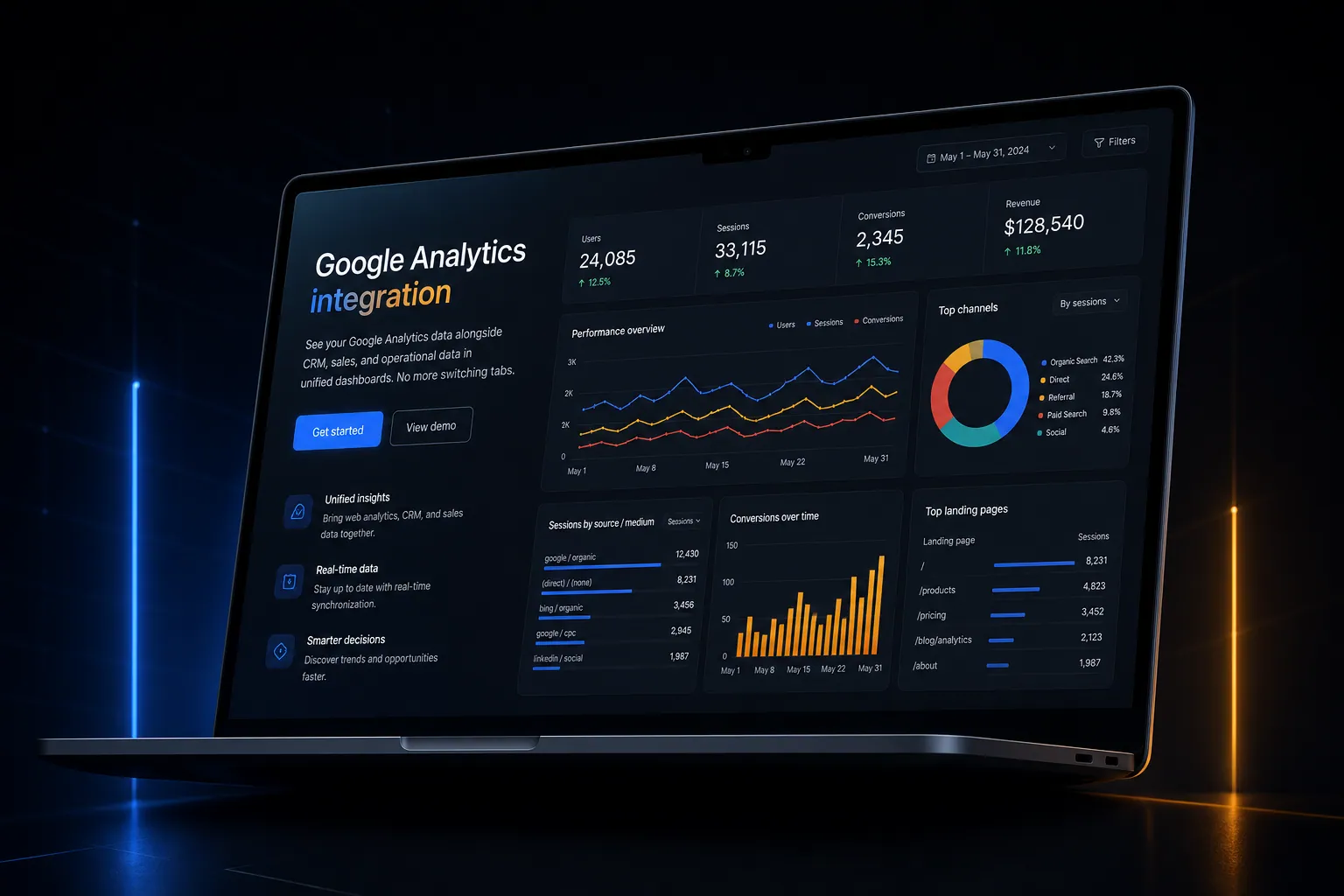
See your Google Analytics data alongside CRM, sales, and operational data in unified dashboards. No more switching tabs.
The short answer
See your Google Analytics data alongside CRM, sales, and operational data in unified dashboards. No more switching tabs. Google Analytics integration is built directly into your SpinFlow platform, not a separate tool you log into. You own it, with no extra subscription and no per-seat fees.
Analytics in a separate tab
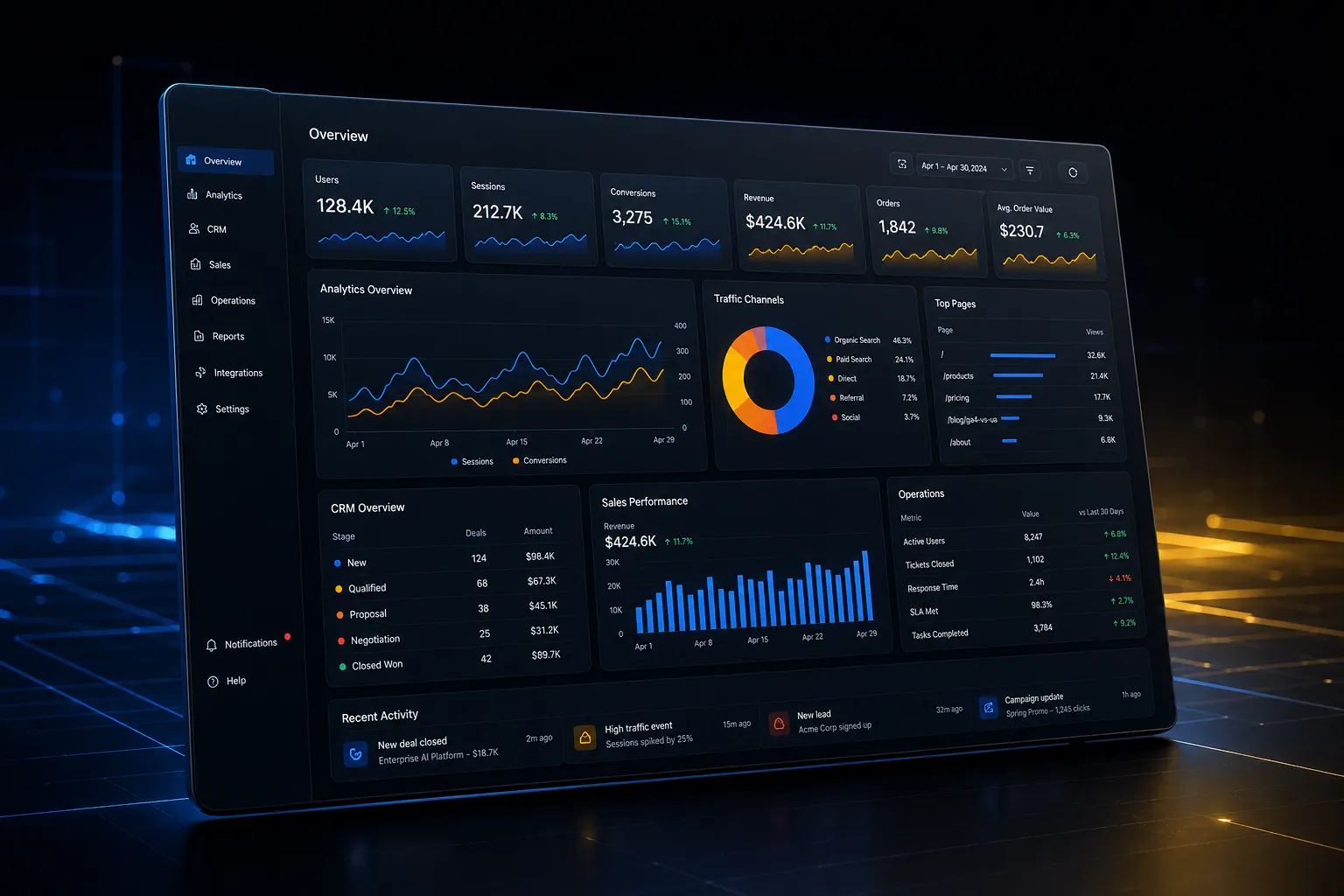
Google Analytics lives in its own world. You can't see website traffic alongside sales data, CRM activity, or revenue. Connecting the dots requires manual exports.
The SpinFlow way
Google Analytics data is pulled directly into your platform dashboards. See traffic, conversions, and user behavior alongside your business data. One view, complete picture.
What can Google Analytics Integration do?
Traffic dashboards
Sessions, users, page views, and bounce rates in your platform
Conversion tracking
See GA conversions alongside your CRM and revenue data
Audience insights
Demographics, devices, and behavior data in context
Real-time sync
GA data refreshes automatically in your dashboards
Related capabilities
Google Analytics integration is one part of a single platform you own outright. See why your software stack is a liability, or explore the full Analytics & Reporting.
Common questions
What should I know about Google Analytics Integration?
What is Google Analytics integration in SpinFlow?
Google Analytics data is pulled directly into your platform dashboards. See traffic, conversions, and user behavior alongside your business data. One view, complete picture.
Do I need a separate subscription for Google Analytics integration?
No. Google Analytics integration is built into your SpinFlow platform at no extra cost. There is no separate login, no add-on fee, and no per-seat pricing.
How quickly can Google Analytics integration be built for my business?
Most SpinFlow platforms launch in as little as two weeks. Google Analytics integration is configured around your existing workflow as part of that build, so it fits how your team already works.