SEO Reporting Dashboards
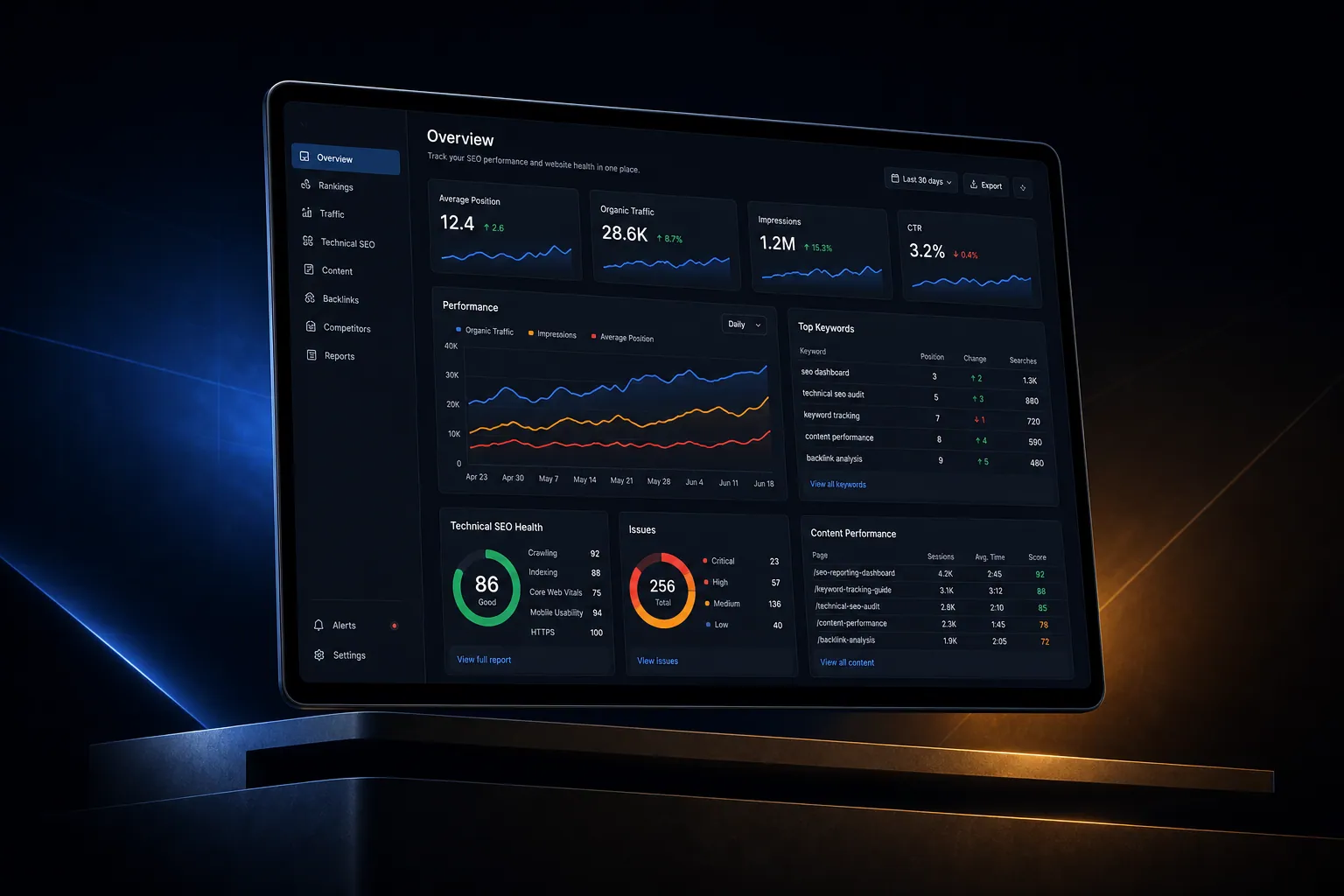
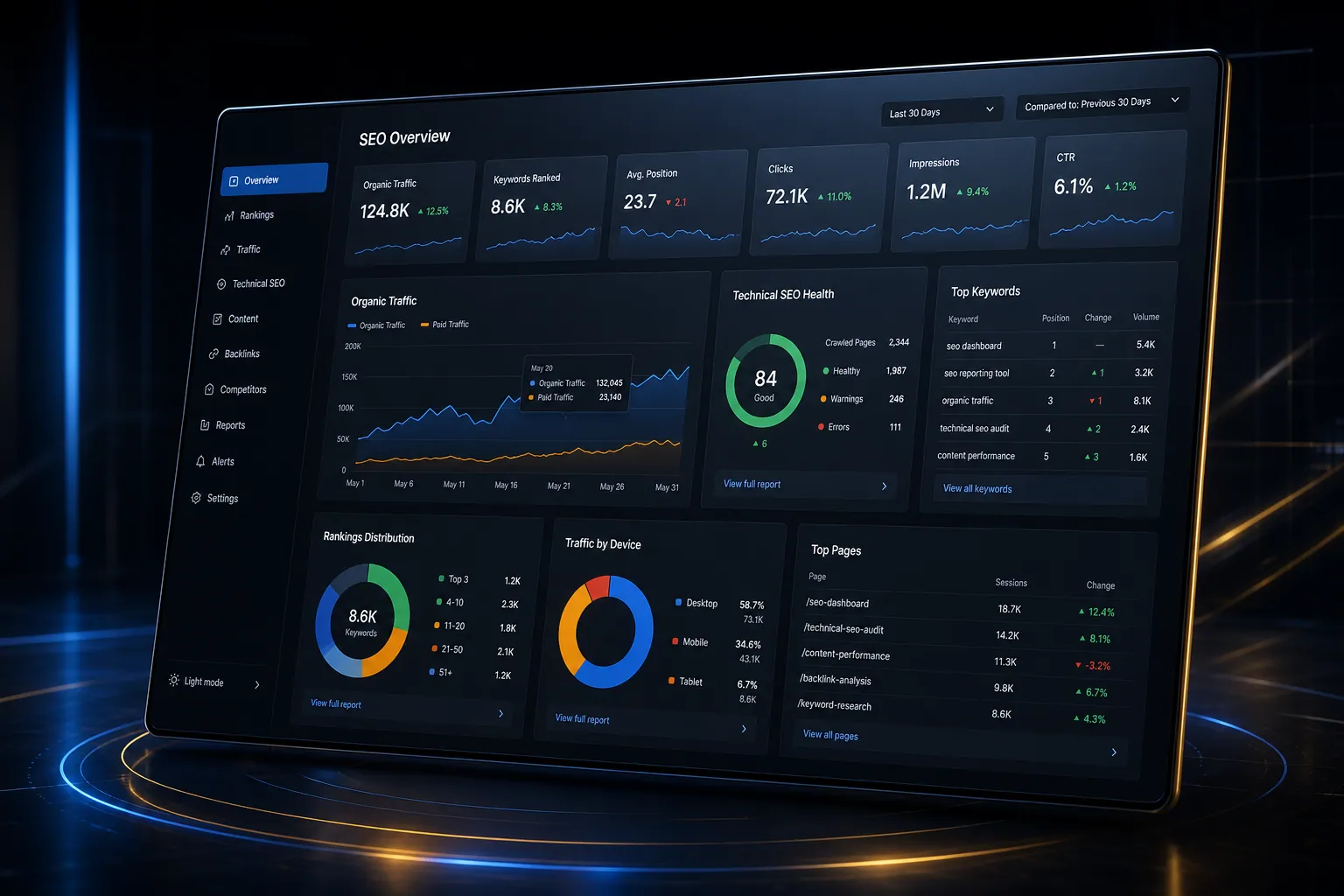
Monitor search rankings, organic traffic, technical SEO health, and content performance in dashboards built into your platform.
The short answer
Monitor search rankings, organic traffic, technical SEO health, and content performance in dashboards built into your platform. SEO reporting dashboards is built directly into your SpinFlow platform, not a separate tool you log into. You own it, with no extra subscription and no per-seat fees.
SEO is a black box
You know SEO matters but you can't see what's working. Reports come from your agency quarterly. You have no visibility into rankings, backlinks, or technical issues day to day.
The SpinFlow way
SEO dashboards show keyword rankings, organic traffic trends, technical health scores, and content performance. Issues are flagged automatically. You see results, not just activity.
What can SEO Reporting Dashboards do?
Keyword tracking
Monitor rankings for your target keywords over time
Traffic analytics
See organic traffic trends by page, keyword, and location
Technical SEO alerts
Automated detection of broken links, slow pages, and errors
Content performance
Track which pages drive the most organic traffic and conversions
Related capabilities
SEO reporting dashboards is one part of a single platform you own outright. See why your software stack is a liability, or explore the full Marketing & Growth.
Common questions
What should I know about SEO Reporting Dashboards?
What is SEO reporting dashboards in SpinFlow?
SEO dashboards show keyword rankings, organic traffic trends, technical health scores, and content performance. Issues are flagged automatically. You see results, not just activity.
Do I need a separate subscription for SEO reporting dashboards?
No. SEO reporting dashboards is built into your SpinFlow platform at no extra cost. There is no separate login, no add-on fee, and no per-seat pricing.
How quickly can SEO reporting dashboards be built for my business?
Most SpinFlow platforms launch in as little as two weeks. SEO reporting dashboards is configured around your existing workflow as part of that build, so it fits how your team already works.