Ad Performance Analytics
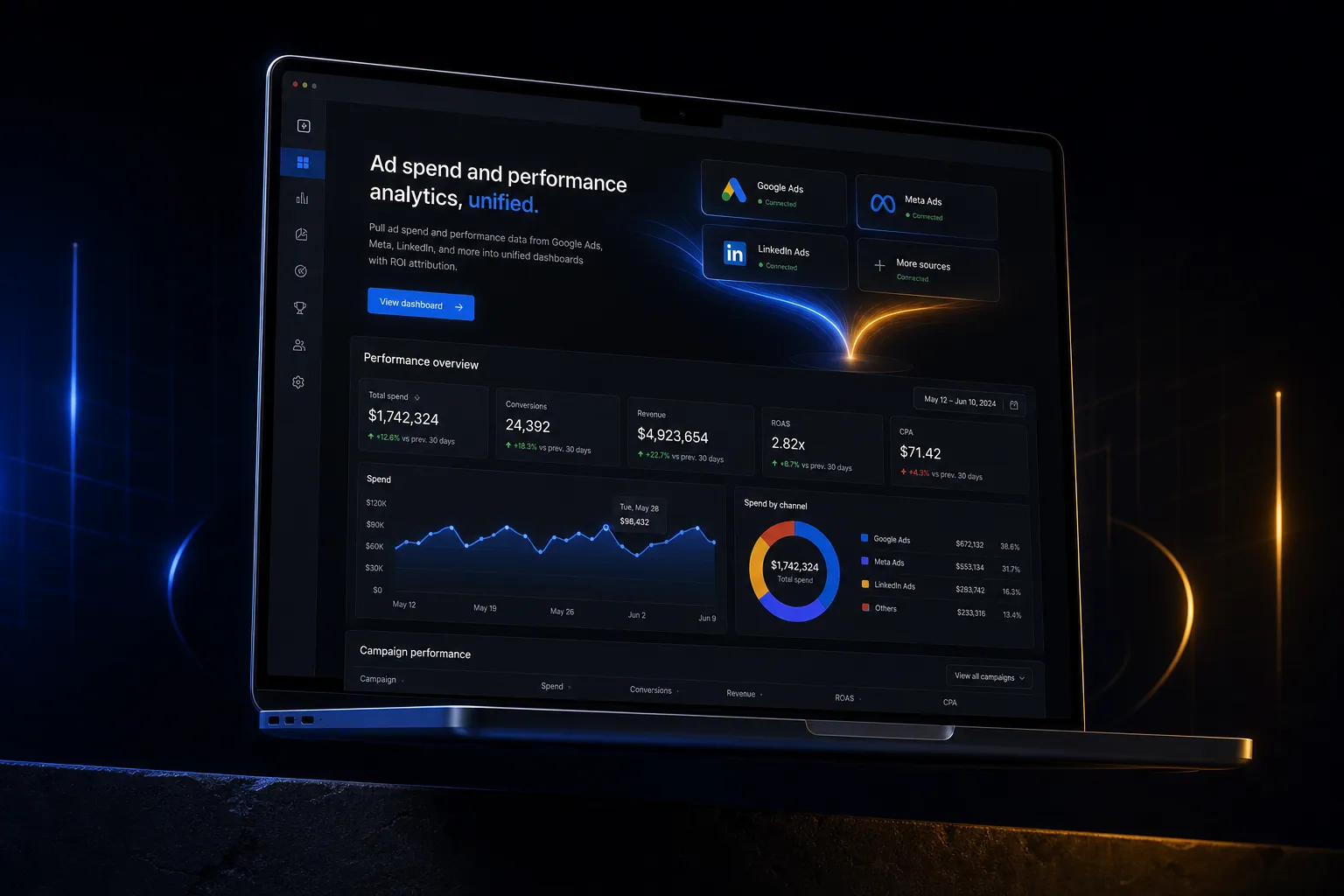
Pull ad spend and performance data from Google Ads, Meta, LinkedIn, and more into unified dashboards with ROI attribution.
The short answer
Pull ad spend and performance data from Google Ads, Meta, LinkedIn, and more into unified dashboards with ROI attribution. Ad spend and performance analytics is built directly into your SpinFlow platform, not a separate tool you log into. You own it, with no extra subscription and no per-seat fees.
Scattered ad data
You're logging into five different ad platforms to understand performance. Comparing across channels is manual. You can't tie ad spend to actual revenue because the data is siloed.
The SpinFlow way
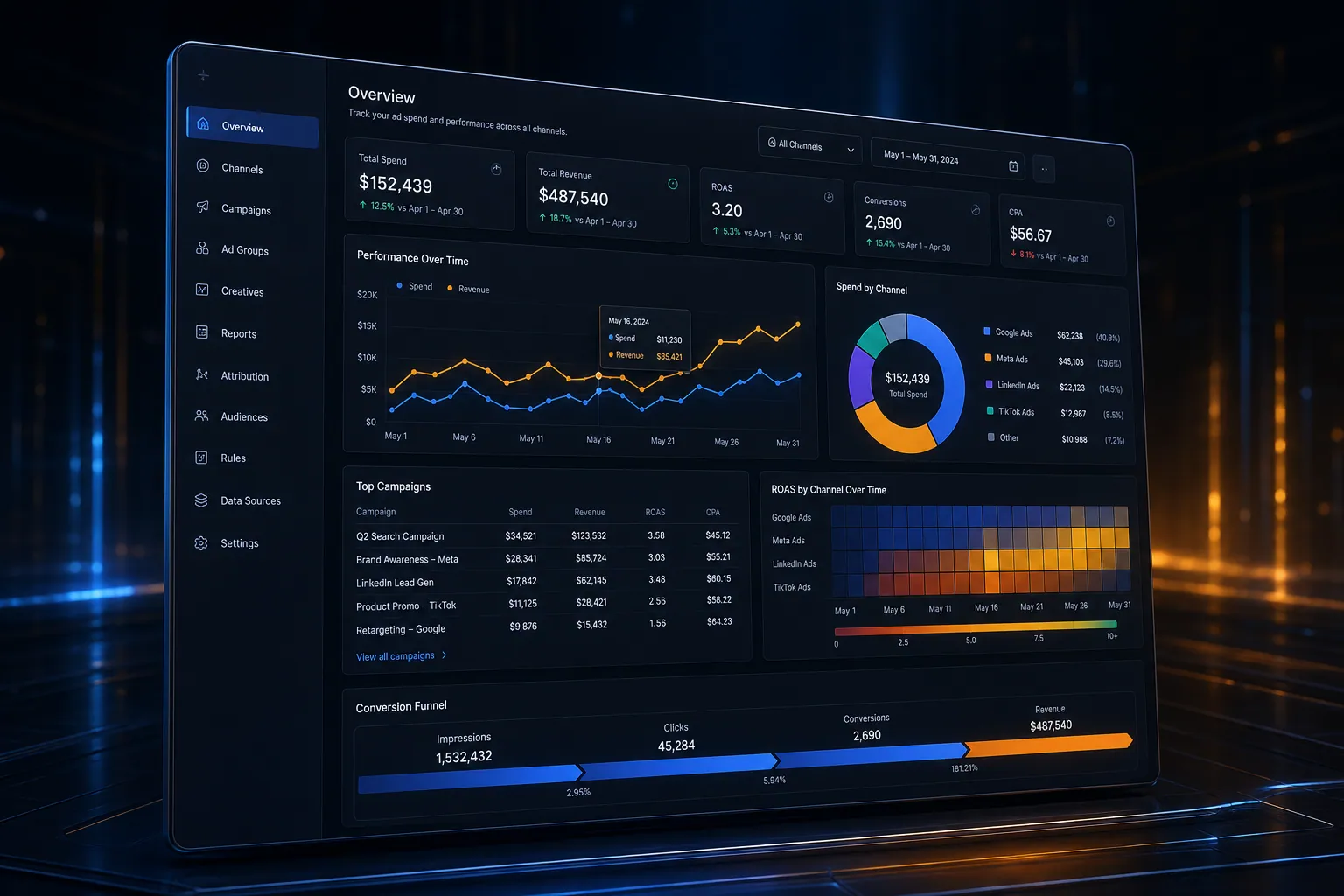
All your ad data in one place. Compare performance across channels. Track cost per acquisition tied to actual revenue. See true ROI, not just clicks.
What can Ad Performance Analytics do?
Multi-platform data
Pull data from Google Ads, Meta, LinkedIn, TikTok, and more
Spend tracking
See total ad spend across all channels with budget pacing
ROI attribution
Connect ad spend to actual revenue and customer acquisition
Cross-channel comparison
Compare CPA, ROAS, and conversion rates across platforms
Related capabilities
Ad spend and performance analytics is one part of a single platform you own outright. See why your software stack is a liability, or explore the full Analytics & Reporting.
Common questions
What should I know about Ad Performance Analytics?
What is Ad spend and performance analytics in SpinFlow?
All your ad data in one place. Compare performance across channels. Track cost per acquisition tied to actual revenue. See true ROI, not just clicks.
Do I need a separate subscription for Ad spend and performance analytics?
No. Ad spend and performance analytics is built into your SpinFlow platform at no extra cost. There is no separate login, no add-on fee, and no per-seat pricing.
How quickly can Ad spend and performance analytics be built for my business?
Most SpinFlow platforms launch in as little as two weeks. Ad spend and performance analytics is configured around your existing workflow as part of that build, so it fits how your team already works.