Custom Report Builder
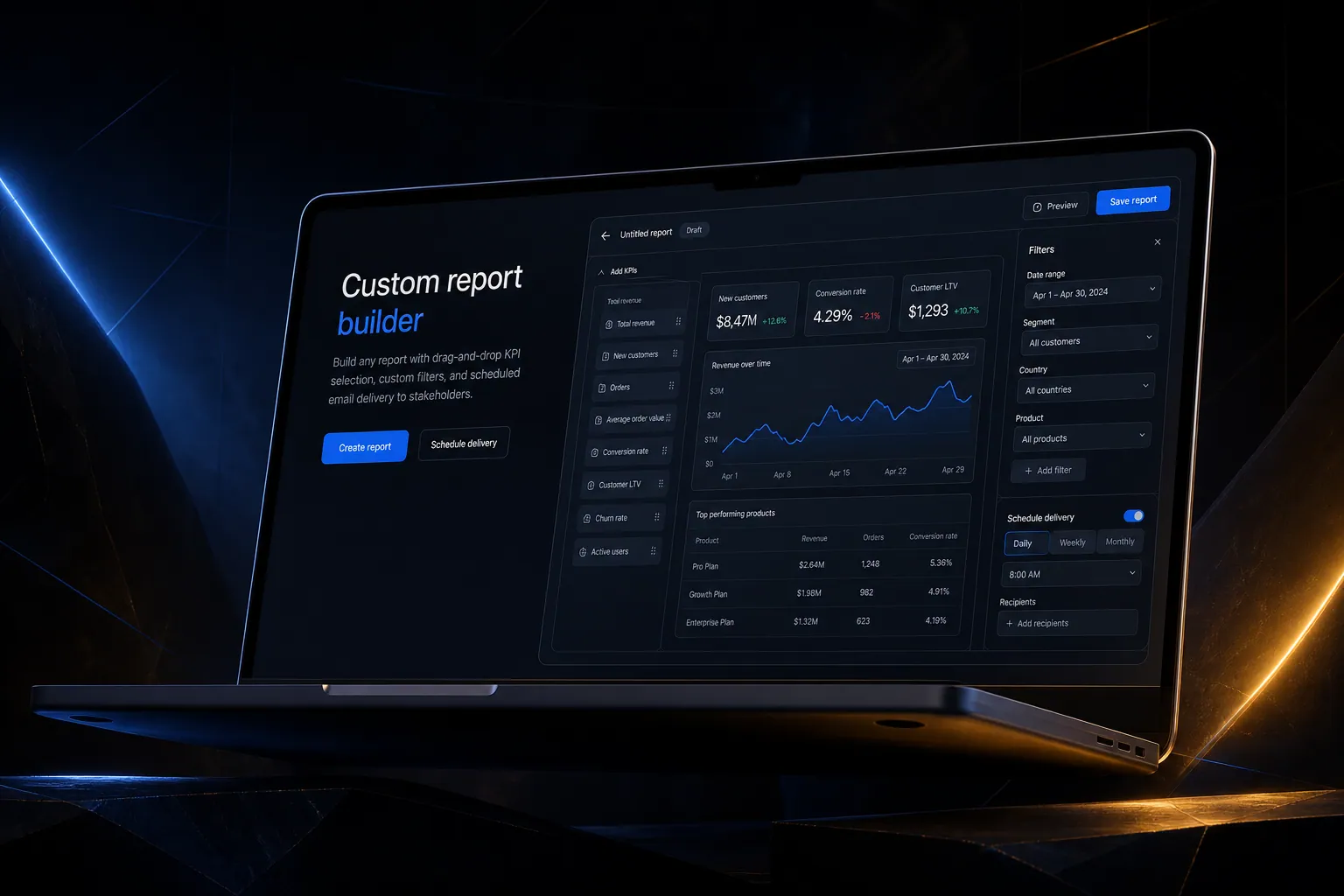
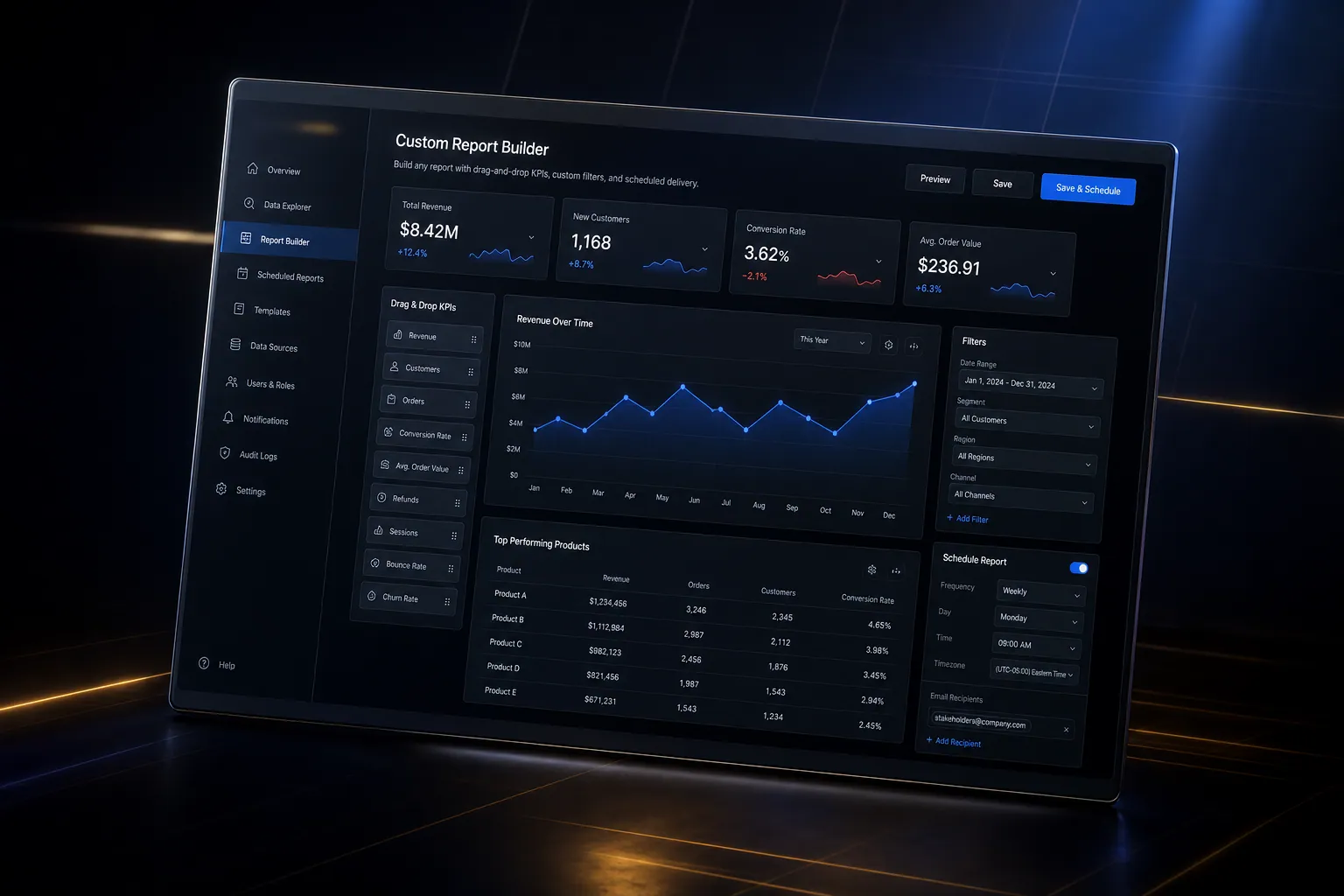
Build any report with drag-and-drop KPI selection, custom filters, and scheduled email delivery to stakeholders.
The short answer
Build any report with drag-and-drop KPI selection, custom filters, and scheduled email delivery to stakeholders. Custom report builder is built directly into your SpinFlow platform, not a separate tool you log into. You own it, with no extra subscription and no per-seat fees.
The same report every month
You build the same reports every month manually. Exporting data, formatting spreadsheets, and emailing PDFs. It takes hours and the data is outdated by the time it reaches the decision maker.
The SpinFlow way
Build a report once with drag-and-drop. Set filters, date ranges, and visualizations. Schedule it to generate and deliver automatically. Stakeholders get fresh data without anyone lifting a finger.
What can Custom Report Builder do?
Drag-and-drop builder
Select KPIs, set filters, and choose visualizations visually
Custom filters
Slice data by date, team, location, client, or any dimension
Scheduled delivery
Reports generate and email automatically on your schedule
Export options
Download as PDF, CSV, or share as a live dashboard link
Related capabilities
Custom report builder is one part of a single platform you own outright. See why your software stack is a liability, or explore the full Analytics & Reporting.
Common questions
What should I know about Custom Report Builder?
What is Custom report builder in SpinFlow?
Build a report once with drag-and-drop. Set filters, date ranges, and visualizations. Schedule it to generate and deliver automatically. Stakeholders get fresh data without anyone lifting a finger.
Do I need a separate subscription for Custom report builder?
No. Custom report builder is built into your SpinFlow platform at no extra cost. There is no separate login, no add-on fee, and no per-seat pricing.
How quickly can Custom report builder be built for my business?
Most SpinFlow platforms launch in as little as two weeks. Custom report builder is configured around your existing workflow as part of that build, so it fits how your team already works.